
SOA Serial Number: The DNS Record That Tells You When Everything Changed
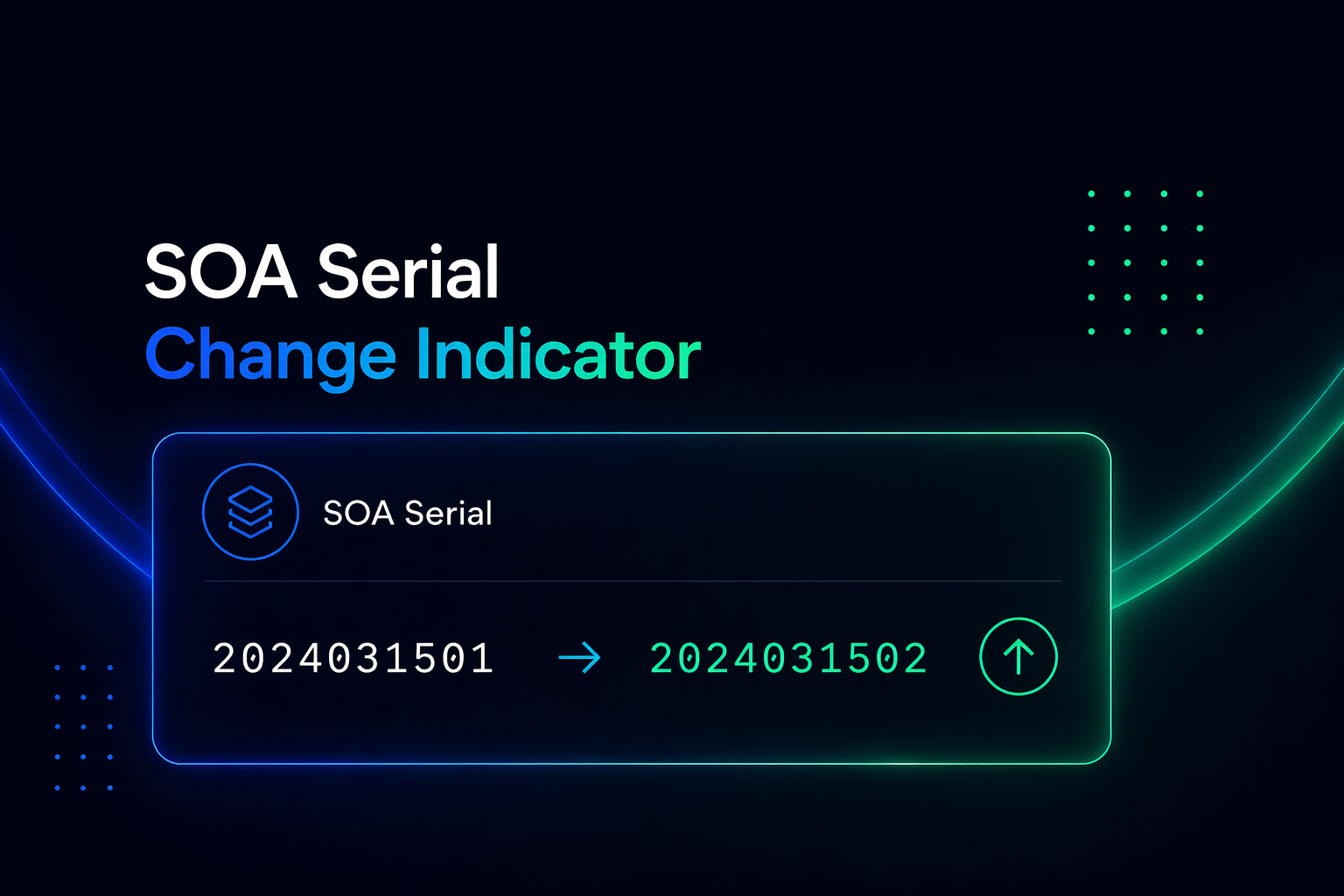
Most people monitoring DNS focus on the obvious records - A, MX, CNAME. The ones that directly control where traffic goes and where email lands.
But there's a record that most monitoring tools ignore completely, even though it's the single most reliable indicator that something in your DNS zone has changed: the SOA serial number.
If you've never looked at your SOA record, you're missing a layer of DNS visibility that most of your competitors don't have at all.
What Is the SOA Record?
SOA stands for Start of Authority. Every DNS zone has exactly one SOA record, and it contains metadata about the zone itself - not about where to route traffic, but about the zone's administrative state.
A typical SOA record looks like this:
example.com. IN SOA ns1.example.com. admin.example.com. (
    2024031501  ; Serial
    3600        ; Refresh
    900         ; Retry
    604800      ; Expire
    300         ; Minimum TTL
)
Most of these fields are about how secondary nameservers should sync with the primary. But the serial number is different. It's the mechanism DNS uses to signal: something in this zone has changed.
What the Serial Number Actually Means
The SOA serial number is a simple counter. When the serial number on a DNS zone increases, secondary nameservers know to request a fresh copy of the zone data.
By convention, most DNS providers format serial numbers as a date stamp followed by a two-digit revision counter: YYYYMMDDNN. So 2024031501 means: first change on March 15, 2024. 2024031502 means a second change was made the same day.
The serial number increments every time any record in the DNS zone is modified:
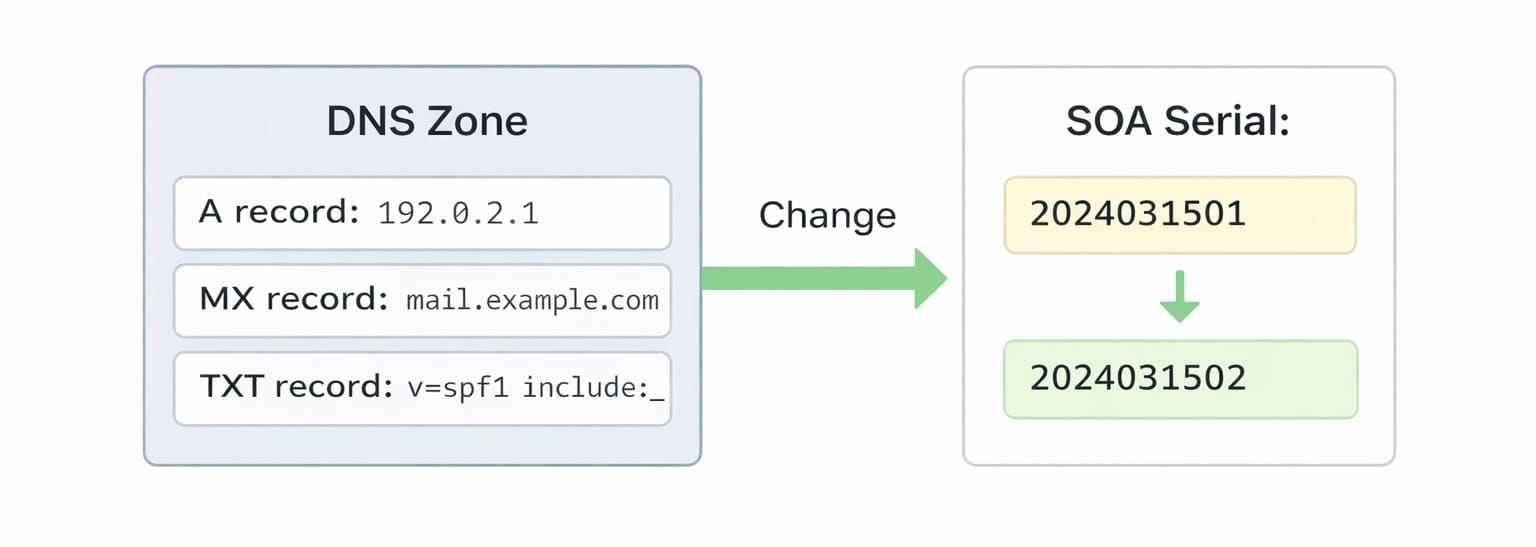
- An A record is updated to point to a new IP;
- An MX record is added, removed, or changed;
- A CNAME is created for a new subdomain;
- A TXT record is modified for SPF or DKIM;
- Any other DNS record in the zone is touched.
💡Key insight: a change in SOA serial means a change happened somewhere in the zone - even if you don't yet know which record changed.
Why Tracking SOA Serial Is Valuable
In many environments, SOA serial numbers aren’t monitored at all - which means DNS changes can go unnoticed until they start causing issues.
Most DNS monitoring tools check specific records. They watch your A record, your MX records, maybe your CNAME entries. They alert you when those specific records change. But they miss changes to records they're not explicitly watching.
The SOA serial catches everything. It's a zone-level change detector that doesn't require you to predict in advance which records to watch.
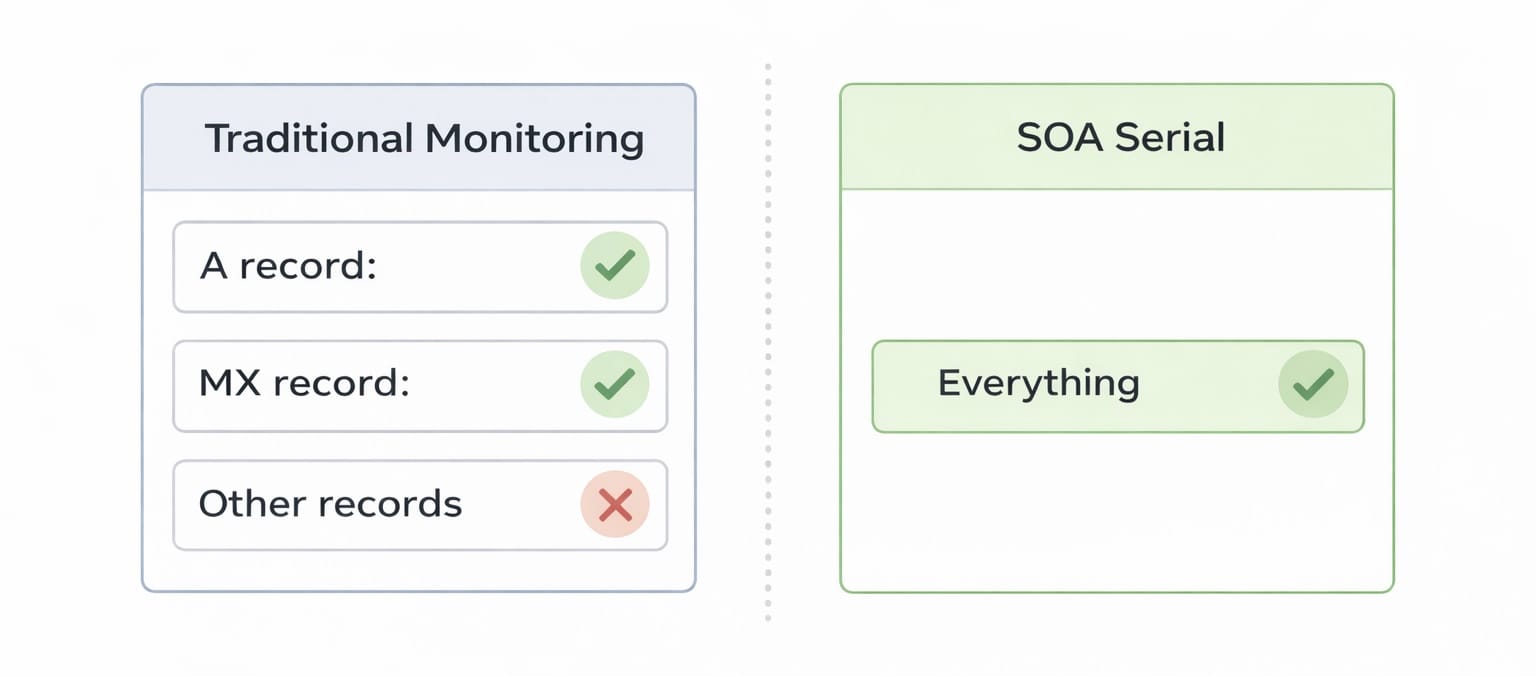
Catch unexpected changes immediately - If someone modifies a DNS record you weren't monitoring specifically, the SOA serial change flags it. You know something changed, even before you know what.
Audit trail for DNS zones - The serial number history tells you when zone modifications happened. Combined with specific record changes, you have a complete timeline of who changed what and when.
Detect unauthorised access early - If someone gains access to your DNS provider and makes changes, the SOA serial is the first indicator. Before you can correlate which record changed, the serial tells you the zone was touched.
Verify that changes were applied - When you intentionally make a DNS change, watching the SOA serial confirm that the change propagated to authoritative nameservers is a useful sanity check.
Secondary nameserver sync issues - If secondary nameservers show a different SOA serial than the primary, zone transfers aren't completing correctly. This can cause inconsistent DNS responses - a subtle, hard-to-diagnose issue.
The Technical Details Worth Understanding
Serial numbers must always increase - If you set a serial number lower than the current value, secondary nameservers won't request an update. Some providers made this mistake during migrations, causing DNS zones to appear "frozen" even after changes.
Date-based serials can hit limits - The format YYYYMMDDNN allows for 99 changes per day. For most zones this is fine. For high-frequency automation, some providers use simple incrementing integers instead.
SOA serial propagation takes time - After a zone change, the new serial propagates based on the refresh interval. Querying different nameservers immediately after a change might return different serial numbers - this is normal.
Some providers abstract the serial - Cloudflare, AWS Route 53, and others manage serial numbers automatically. You may not be able to set them manually, but you can still monitor the value to detect zone changes.
What KIT.domains Tracks
Most monitoring tools skip the SOA record entirely. KIT.domains monitors the SOA serial number alongside all other DNS records:
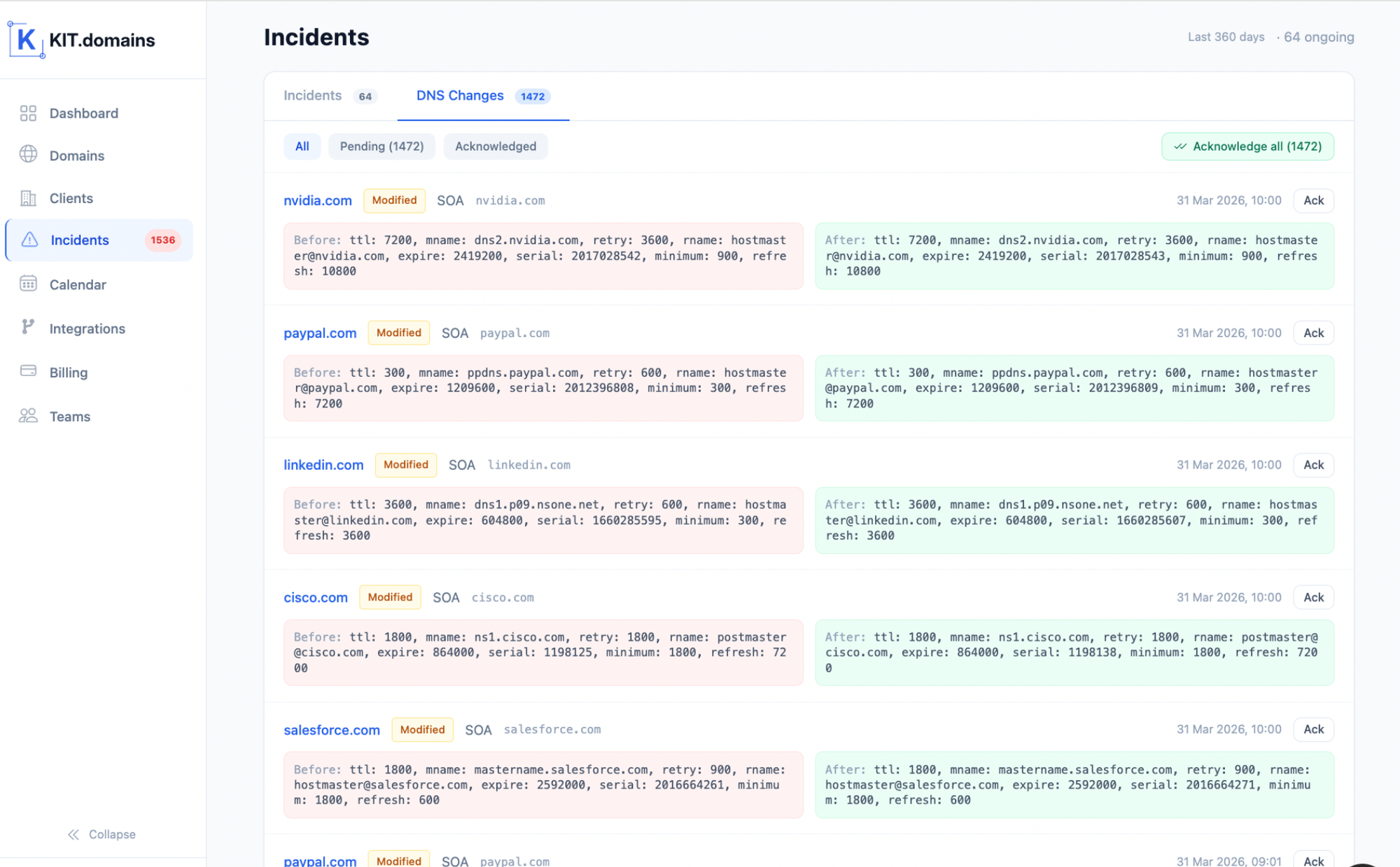
- Zone change detection - Any modification to your DNS zone increments the SOA serial. KIT.domains detects this and alerts you - even before correlating which specific record was modified.
- Serial history - See when your SOA serial changed over time. A timeline of zone activity, useful for audits and post-incident analysis.
- Cross-nameserver consistency checks - KIT.domains queries multiple nameservers and flags discrepancies in SOA serial numbers, helping you catch zone transfer failures.
- Combined with record-level monitoring - The serial tells you that something changed; the record-level monitoring tells you what changed. Together, you have the full picture.
A Practical Example
Your DNS zone has been stable for months. One morning, you receive two alerts from KIT.domains:
- SOA serial changed - zone was modified;
- TXT record changed - SPF value updated.
Without SOA monitoring, you'd only see the second alert. With it, you have immediate context: the zone was touched, and the specific change was to the SPF record.
Now imagine the SOA serial changes but no specific record alert fires. That means either a record you're not explicitly monitoring was changed, or there was a transient issue. Either way, the SOA alert prompts investigation.
Without SOA monitoring, you'd only see the second alert. With it, you have immediate context: the zone was touched, and the specific change was to the SPF record.
The Bottom Line
The SOA serial number is the DNS record most monitoring tools ignore. But it's also the most reliable indicator that anything in your DNS zone has changed.
Tracking it gives you a layer of DNS visibility that works even when you don't know exactly which records to watch. It catches the changes that fall through the gaps of record-specific monitoring.
KIT.domains monitors your SOA serial alongside every other DNS record - giving you zone-level change detection combined with the record-level detail to understand exactly what changed and when.
Start monitoring your DNS zones with KIT.domains.