
Best Domain Monitoring Tools for IT Teams and Agencies in 2026 (Complete Guide)
Most teams don’t think about domain monitoring - until something breaks.
A client’s website suddenly goes offline. An SSL certificate expires overnight. Email stops working because of a DNS change no one noticed.
And then comes the message you don’t want to see: “Hey, something is wrong with our website. Did you change anything?”
You didn’t. But now it’s your problem.
In 2026, domain management isn’t just about renewals - it’s about preventing invisible failures before they affect your clients.
In this guide, we’ll break down:
- what domain monitoring actually means (and what it doesn’t);
- why most teams still get it wrong;
- and the best domain monitoring tools available today.
The Problem Most Monitoring Tools Don’t Solve
Here’s the trap many teams fall into. They use tools like UptimeRobot or Pingdom and assume everything is under control.
But those tools answer only one question: “Is the website online?”
They don’t tell you:
- when a domain is about to expire
- whether DNS records were changed
- if an SSL certificate is about to break
And that’s exactly where real incidents happen.
Why Domain Issues Are So Dangerous
Domain-related problems are different from outages. They’re:
- silent;
- unpredictable;
- often discovered too late.
What this looks like in reality
Scenario 1. Expired domain
A domain renewal is missed → website goes offline → client notices first.
Scenario 2. DNS change
MX record changes → email stops working → support tickets explode.
Scenario 3. SSL expiration
Certificate expires → browser shows warning → trust drops instantly.
None of these are “server issues” - but your team still owns them.
What Domain Monitoring Actually Means
Domain monitoring is about tracking the critical components of domain health:
1. Domain Expiration Tracking
Knowing exactly when domains expire - and getting alerted early.
2. SSL Certificate Monitoring
Tracking expiration and preventing browser warnings.
3. DNS Integrity Monitoring
- MX records (email);
- NS records (nameservers);
- A / CNAME records.
4. Portfolio Visibility
Managing all domains across registrars in one place.
What “Good” Monitoring Looks Like in 2026
To actually prevent problems, monitoring needs to be:
- Centralized → no spreadsheets
- Proactive → alerts before failure
- Automated → no manual tracking
- Team-based → everyone sees what matters
Anything less - and you’re still reacting, not preventing.
Best Domain Monitoring Tools in 2026
Now that we’ve defined the problem, let’s look at the tools - and where they actually fit.
1. KIT.domains
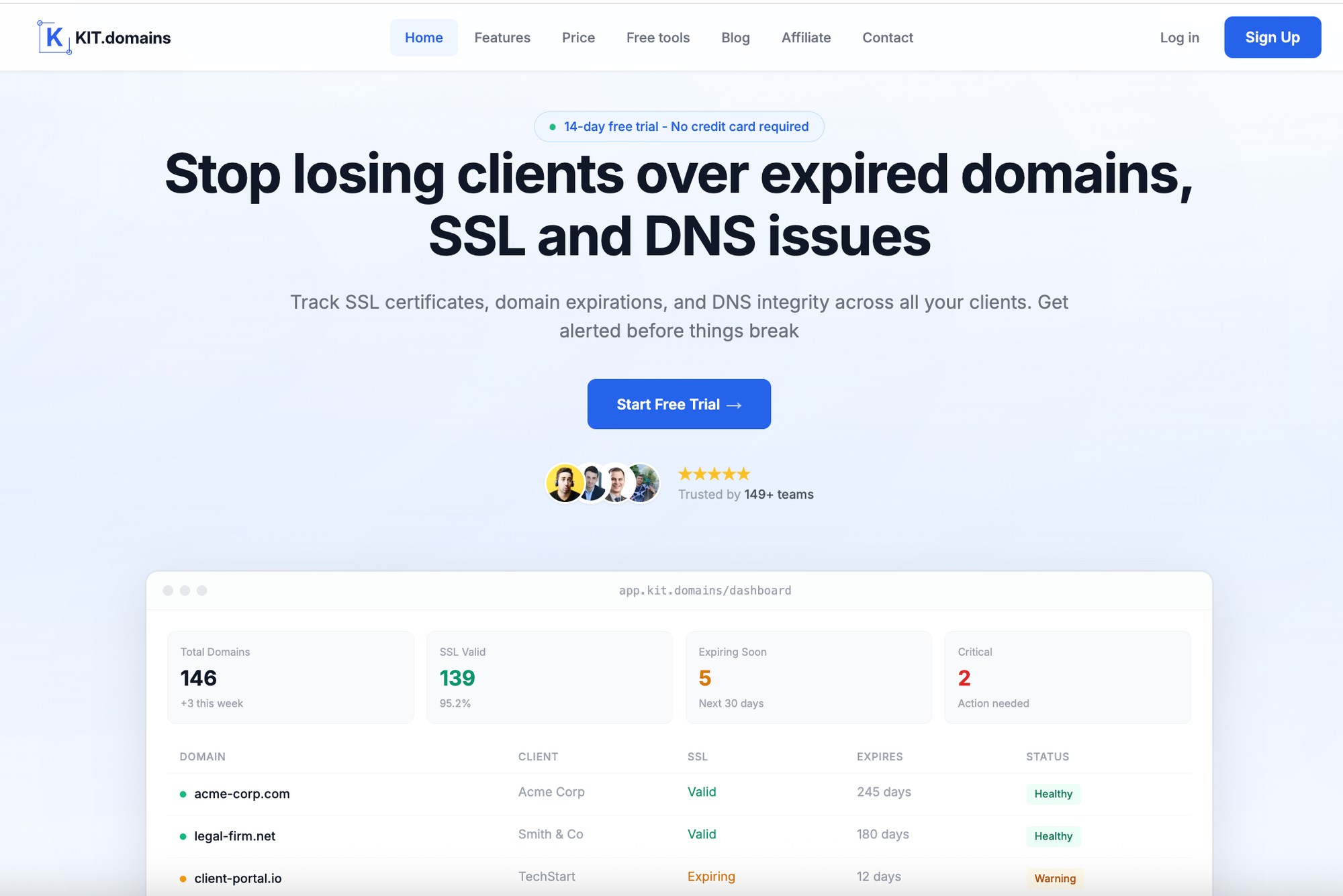
Most monitoring tools are built for infrastructure. KIT.domains is built for something else: responsibility over client domains
It focuses specifically on domain lifecycle management - across all registrars and clients.
What it does well:
- Tracks domain expiration across all registrars;
- Monitors SSL certificate status;
- Detects DNS changes in real time (MX, NS);
- Centralizes all domains in one dashboard;
- Sends alerts via Slack, Telegram, Webhooks, or HaloPSA;
- Provides a renewal calendar for proactive planning.
Why it stands out:
Instead of checking if a website is online, it helps you prevent the situations where it wouldn’t be.
Best for:
- MSPs;
- Agencies;
- IT teams managing multiple clients.
2. Oh Dear
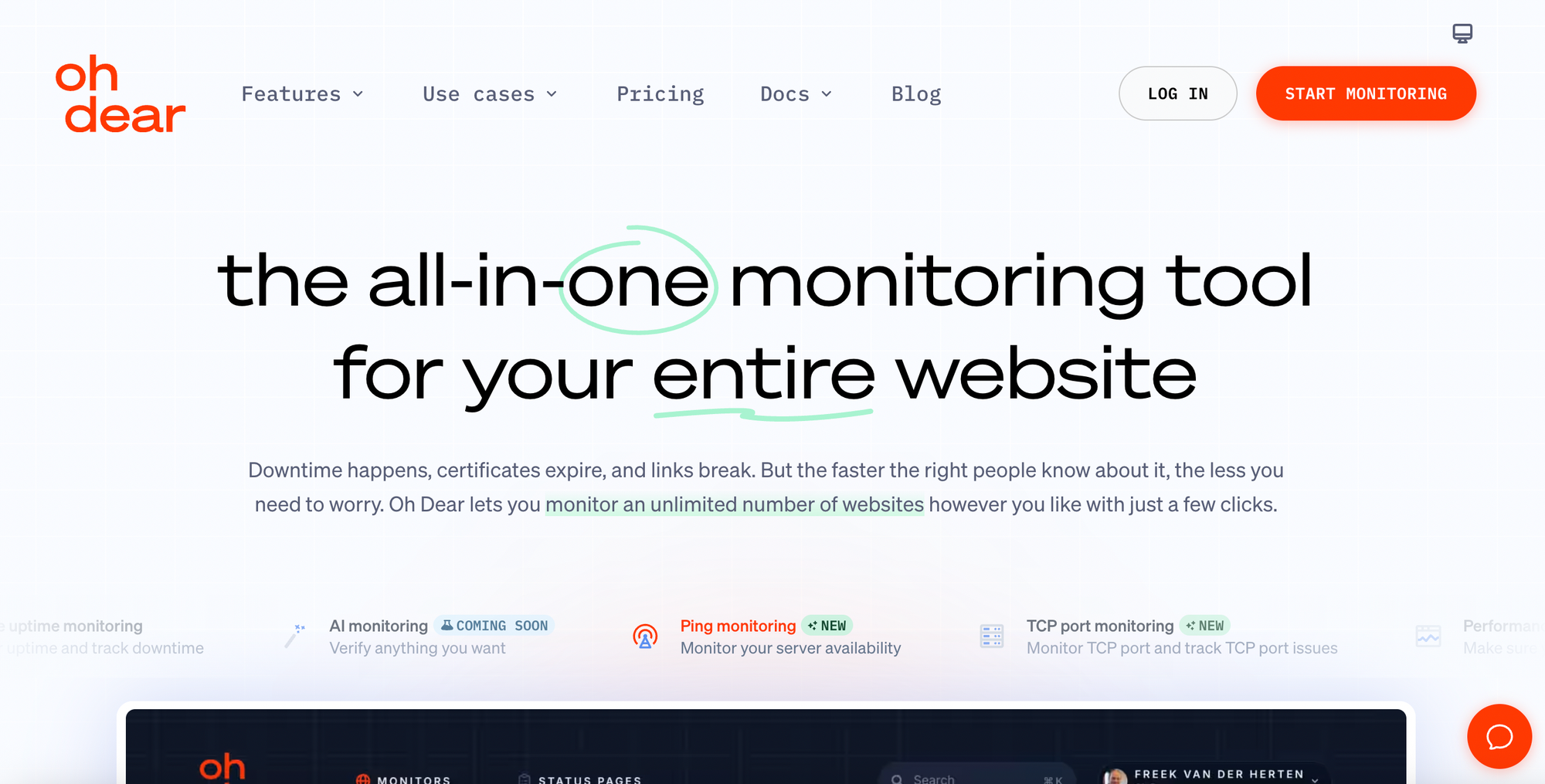
Oh Dear takes a broader approach to monitoring.
It combines:
- uptime monitoring;
- domain & SSL tracking;
- broken link detection;
- basic SEO checks.
Strengths:
- wide feature set in one tool;
- clean interface;
- useful for small teams;
Limitations:
- not optimized for large domain portfolios;
- limited collaboration workflows.
Best for:
- small businesses and developers who want an all-in-one solution.
3. UptimeRobot
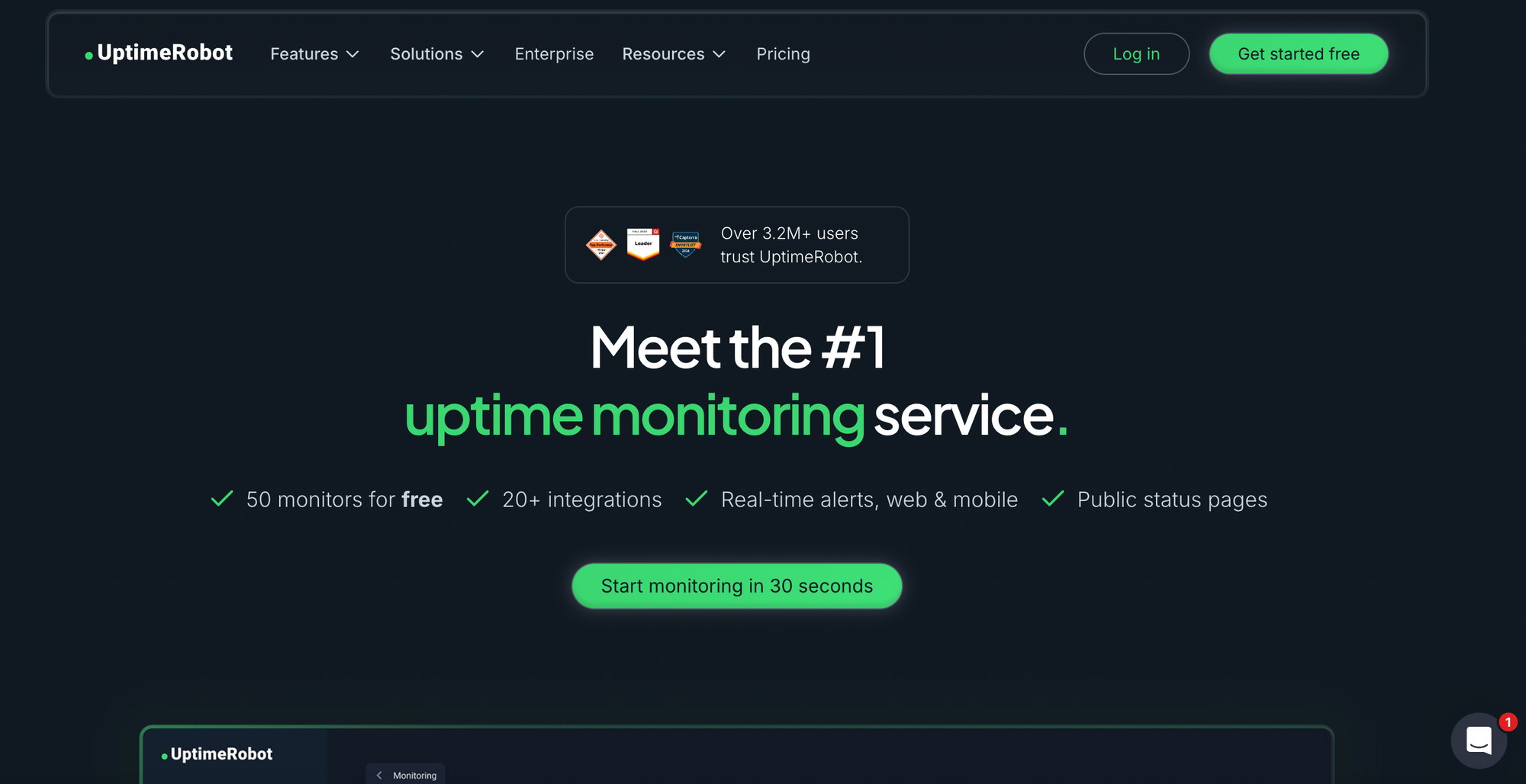
UptimeRobot is one of the most widely used monitoring tools. Its main focus is uptime - not domain management.
Strengths:
- generous free plan;
- simple setup;
- reliable uptime alerts.
Limitations:
- limited domain expiration tracking;
- no DNS integrity monitoring;
- not suitable for managing many domains.
Best for:
- small projects and individual developers.
4. Pingdom
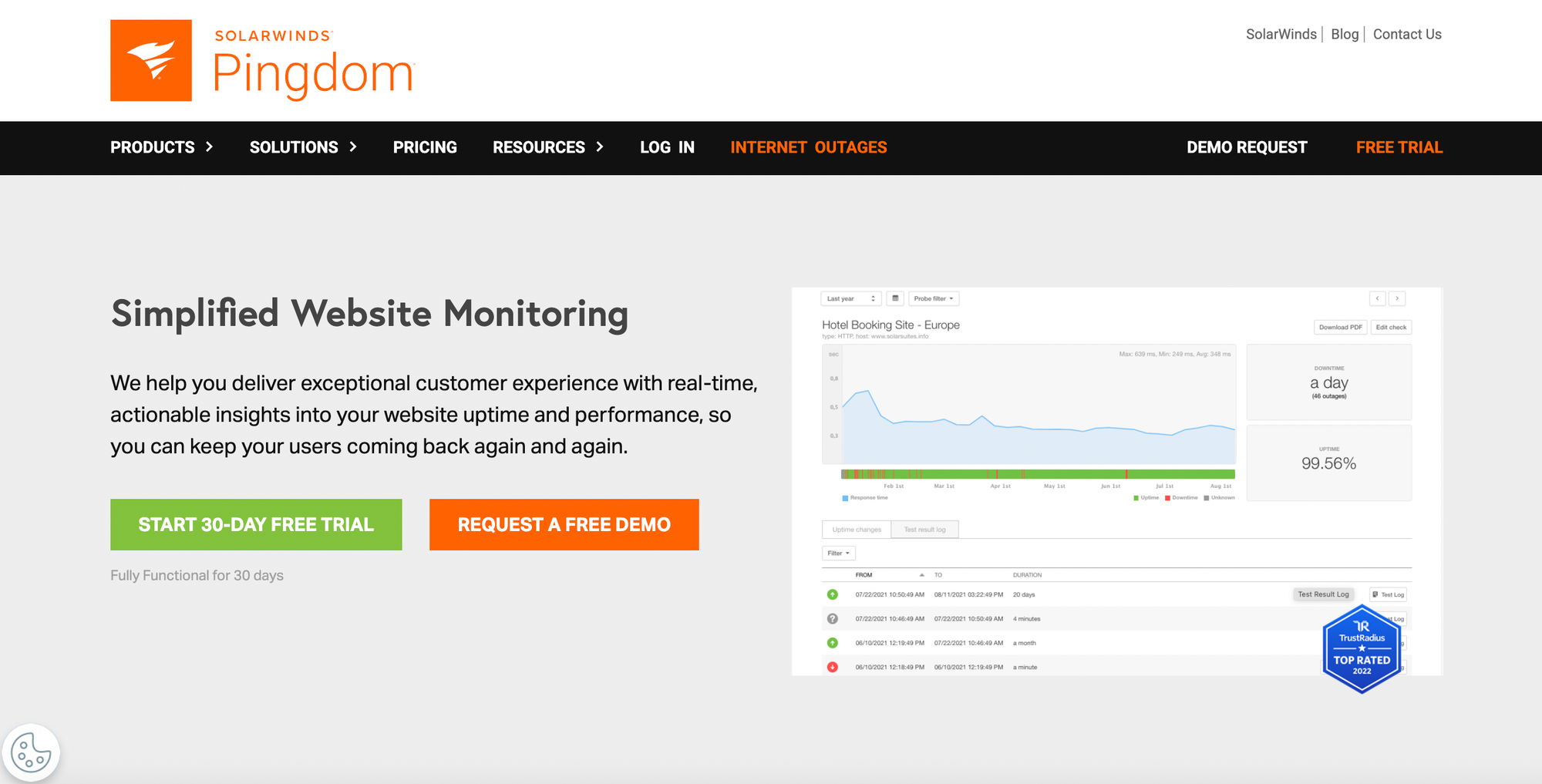
Pingdom is designed for synthetic monitoring and performance insights.
Strengths:
- transaction monitoring;
- page speed insights;
- global testing.
Limitations:
- not focused on domain lifecycle;
- limited domain visibility.
Best for:
- teams optimizing performance rather than managing domains.
5. Site24x7
Site24x7 offers a full-stack monitoring platform.
Strengths:
- uptime + infrastructure + logs;
- broad monitoring capabilities;
- scalable.
Limitations:
- complex interface;
- overkill for domain-focused use cases.
Best for:
- companies needing full infrastructure monitoring.
6. Better Stack
Better Stack focuses on alerting and incident response.
Strengths:
- strong alerting system;
- on-call scheduling;
- incident workflows.
Limitations:
- minimal domain monitoring;
- no portfolio management.
Best for:
- DevOps teams handling incidents.
7. Uptrends

Uptrends is built for large-scale synthetic monitoring.
Strengths:
- global checkpoints;
- detailed diagnostics;
Limitations:
- limited domain monitoring features.
Best for:
- global performance testing.
8. Datadog

Datadog is a powerful observability platform.
Strengths:
- full-stack monitoring;
- deep integrations.
Limitations:
- expensive;
- complex;
- not domain-focused.
Best for:
- enterprise DevOps teams.
9. Pulsetic
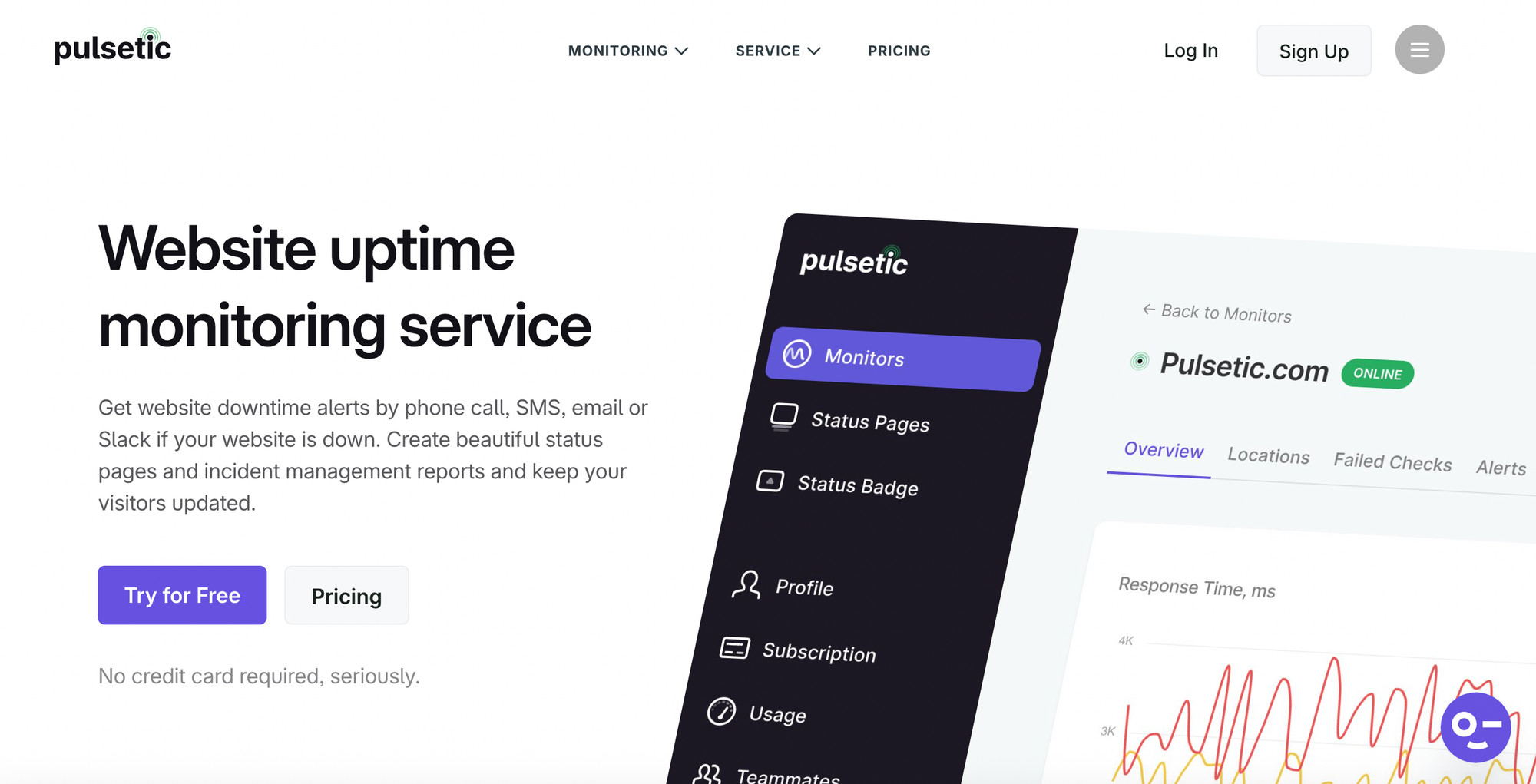
Pulsetic is a modern uptime monitoring tool designed for simplicity and speed. It focuses on helping teams detect downtime quickly and respond with clear, actionable alerts.
Key features:
- Global uptime monitoring from multiple locations;
- SSL and domain expiration alerts;
- Customizable public status pages;
- Multi-channel notifications (including calls & SMS).
Limitations:
Pulsetic doesn’t provide deep DNS monitoring or domain portfolio management - it focuses primarily on availability.
Best for:
- Startups, agencies, and small teams that need fast and reliable uptime alerts without complex setup.
10. Uptime.com
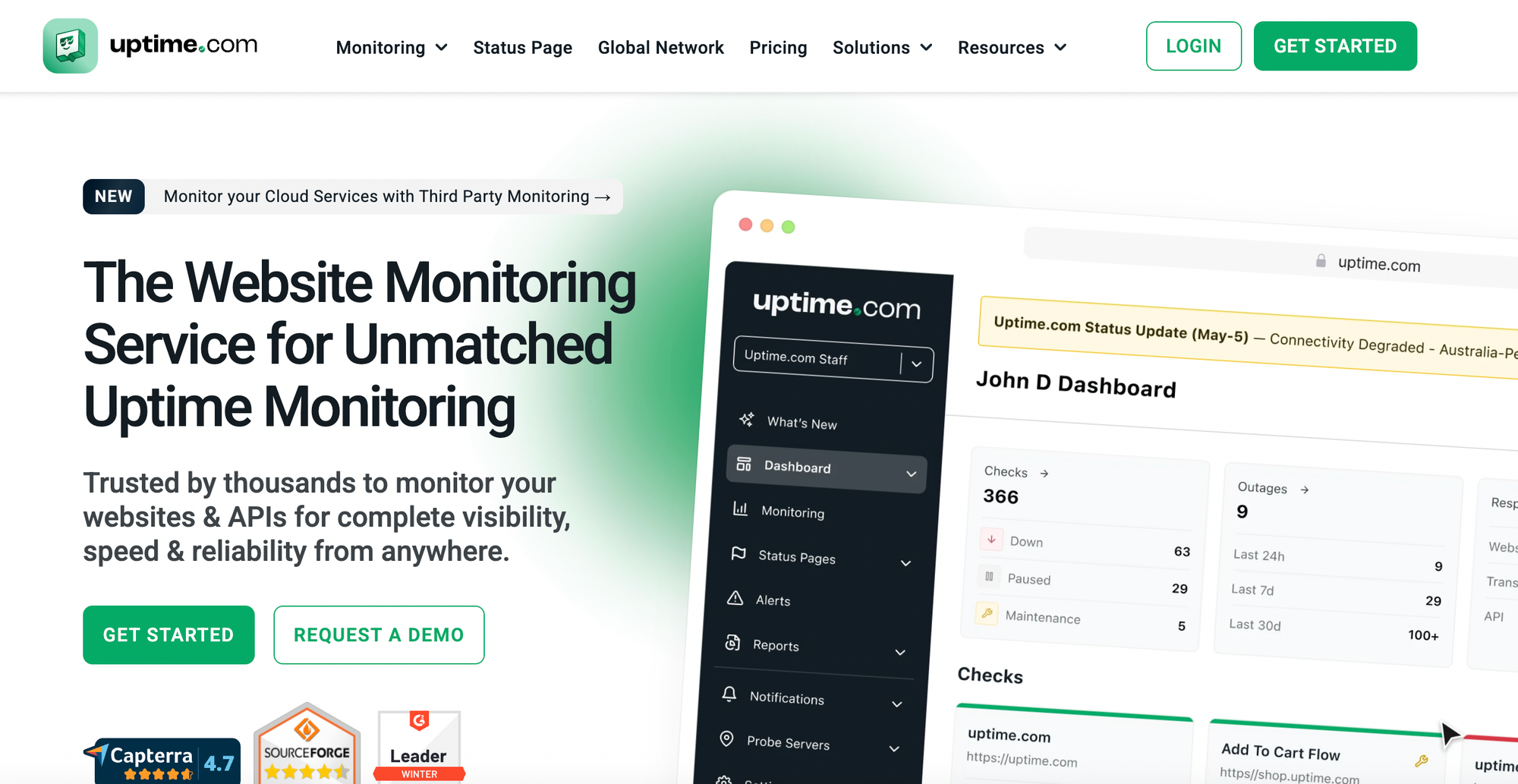
Uptime.com is a comprehensive monitoring platform that combines uptime checks, performance monitoring, and incident management in one system.
Key features:
- Uptime monitoring from global locations;
- Transaction and API monitoring;
- Real User Monitoring (RUM);
- Status pages and incident communication;
- SLA and performance reporting.
Limitations:
While powerful, Uptime.com is not specialized in domain monitoring. Domain expiration and DNS tracking are secondary features.
Best for:
Mid-sized companies and enterprises that need an all-in-one monitoring platform with reporting and compliance features.
11. Uptime Kuma
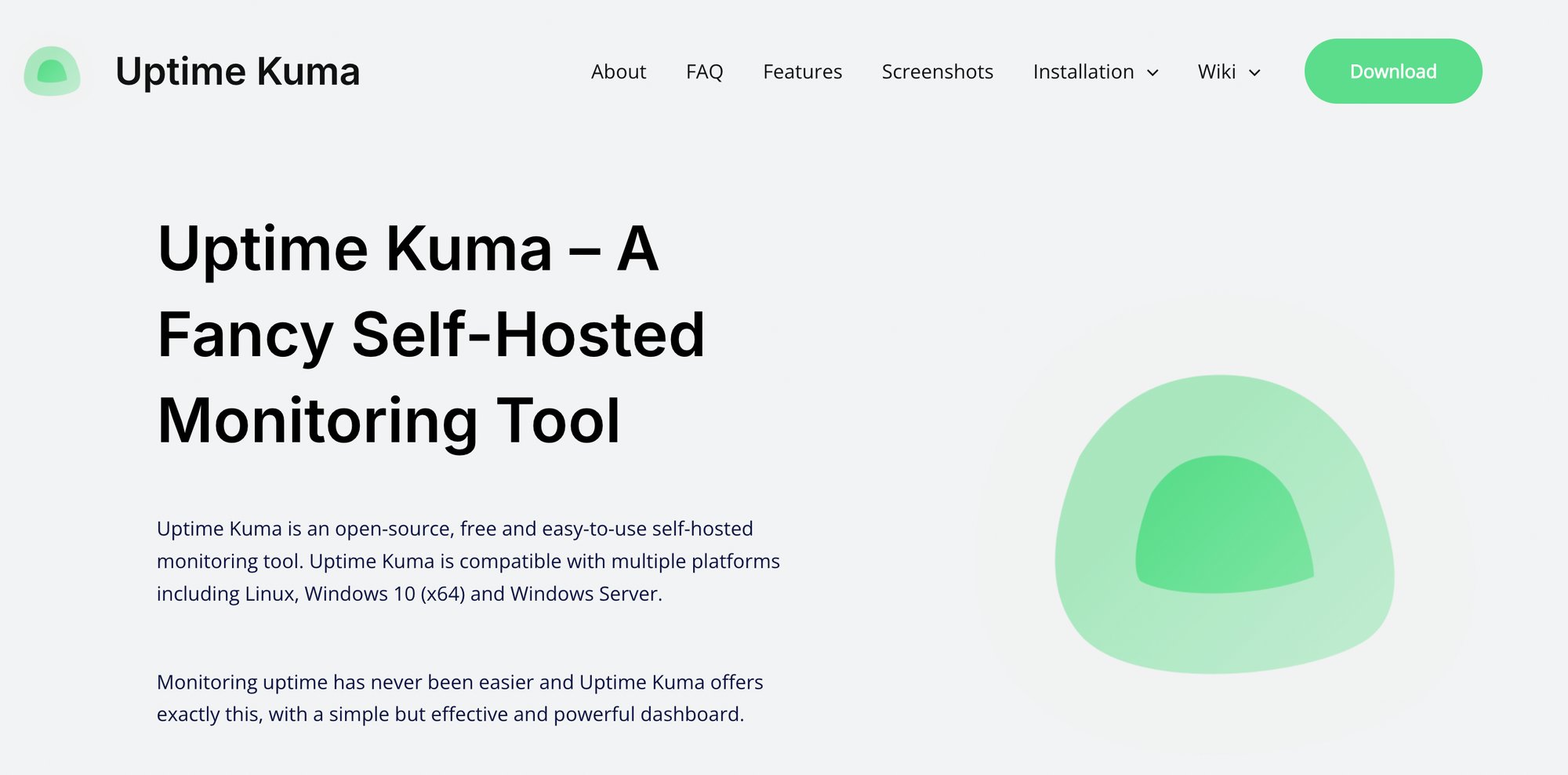
Uptime Kuma is an open-source, self-hosted monitoring solution that has become very popular among developers.
It allows teams to fully control their monitoring infrastructure while tracking uptime, SSL, and basic DNS checks.
Key features:
- Self-hosted and fully open-source;
- Supports HTTP, ping, TCP, DNS, and SSL checks;
- Real-time status dashboard;
- Notification integrations (Slack, Telegram, etc.);
- Customizable status pages.
Limitations:
Uptime Kuma requires setup and maintenance. It lacks advanced automation, integrations, and centralized domain portfolio management for agencies or MSPs.
Best for:
- Developers and technical teams who prefer self-hosted tools and full control over their infrastructure.
Comparison Table
| Tool | Domain Expiry Tracking | SSL Monitoring | DNS Monitoring | Uptime Monitoring | Team Features | Integrations | Best For |
|---|---|---|---|---|---|---|---|
| KIT.domains | ✅ Advanced | ✅ Advanced | ✅ Real-time (MX, NS) | ❌ | ✅ Strong | Slack, Telegram, Webhooks, HaloPSA | MSPs & Agencies |
| Oh Dear | ✅ | ✅ | ⚠️ Basic | ✅ | ⚠️ Limited | Slack, Email | SMBs, developers |
| UptimeRobot | ⚠️ Limited | ⚠️ Basic | ❌ | ✅ Strong | ❌ | Slack, Telegram, Email | Small projects |
| Pingdom | ❌ | ⚠️ | ❌ | ✅ Advanced | ❌ | Integrations available | Performance monitoring |
| Site24x7 | ⚠️ | ✅ | ✅ | ✅ Advanced | ✅ | Zoho ecosystem, integrations | Enterprises |
| Better Uptime | ❌ | ⚠️ | ❌ | ✅ Strong | ✅ Advanced | Slack, Webhooks, PagerDuty | DevOps teams |
| Uptrends | ❌ | ⚠️ | ❌ | ✅ Advanced | ❌ | Integrations available | Global monitoring |
| Datadog | ⚠️ | ✅ | ✅ | ✅ Advanced | ✅ Advanced | Extensive integrations | Enterprise DevOps |
| Pulsetic | ⚠️ | ✅ | ❌ | ✅ Strong | ⚠️ | Slack, SMS, Calls | Startups & small teams |
| Uptime.com | ⚠️ | ✅ | ⚠️ | ✅ Advanced | ✅ | Multiple integrations | Mid-size & enterprise |
| Uptime Kuma | ⚠️ | ✅ | ⚠️ Basic | ✅ | ❌ | Self-hosted integrations | Developers (self-hosted) |
As the comparison shows, most tools focus on uptime and infrastructure monitoring, while only a few provide dedicated domain lifecycle and DNS monitoring capabilities. This difference becomes critical for teams managing multiple client domains.
Why Most Tools Fall Short for Agencies and MSPs
Most monitoring tools were built for:
- servers;
- applications;
- uptime.
Not for: managing hundreds of client domains.
That’s why teams still rely on:
- spreadsheets
- reminders
- manual checks
And that doesn’t scale.
How to Choose the Right Domain Monitoring Tool
Choosing the right tool depends on your setup.
If you manage <20 domains. Simple tools may be enough.
If you manage 50–100 domains. You need automation and alerts.
If you manage 100+ domains or client portfolios. You need:
- centralized dashboard;
- team collaboration;
- DNS monitoring;
- proactive alerts.
Conclusion
Domain monitoring is no longer optional. But most tools solve the wrong problem.
They monitor uptime - not risk. If your responsibility includes client domains, you need:
- visibility;
- automation;
- control.
And that’s where domain-focused tools like KIT.domains make the difference.
Frequently Asked Questions
What is a domain monitoring tool?
A tool that tracks domain expiration, SSL certificates, and DNS changes.
Can uptime monitoring tools replace domain monitoring?
No - they focus on availability, not domain lifecycle.
What’s the biggest risk without monitoring?
Expired domains and unnoticed DNS changes.
How early should alerts be sent?
Ideally 30-60 days before expiration, with repeated reminders.