
How to Monitor SSL Certificates for 50+ Domains Without Losing Your Mind
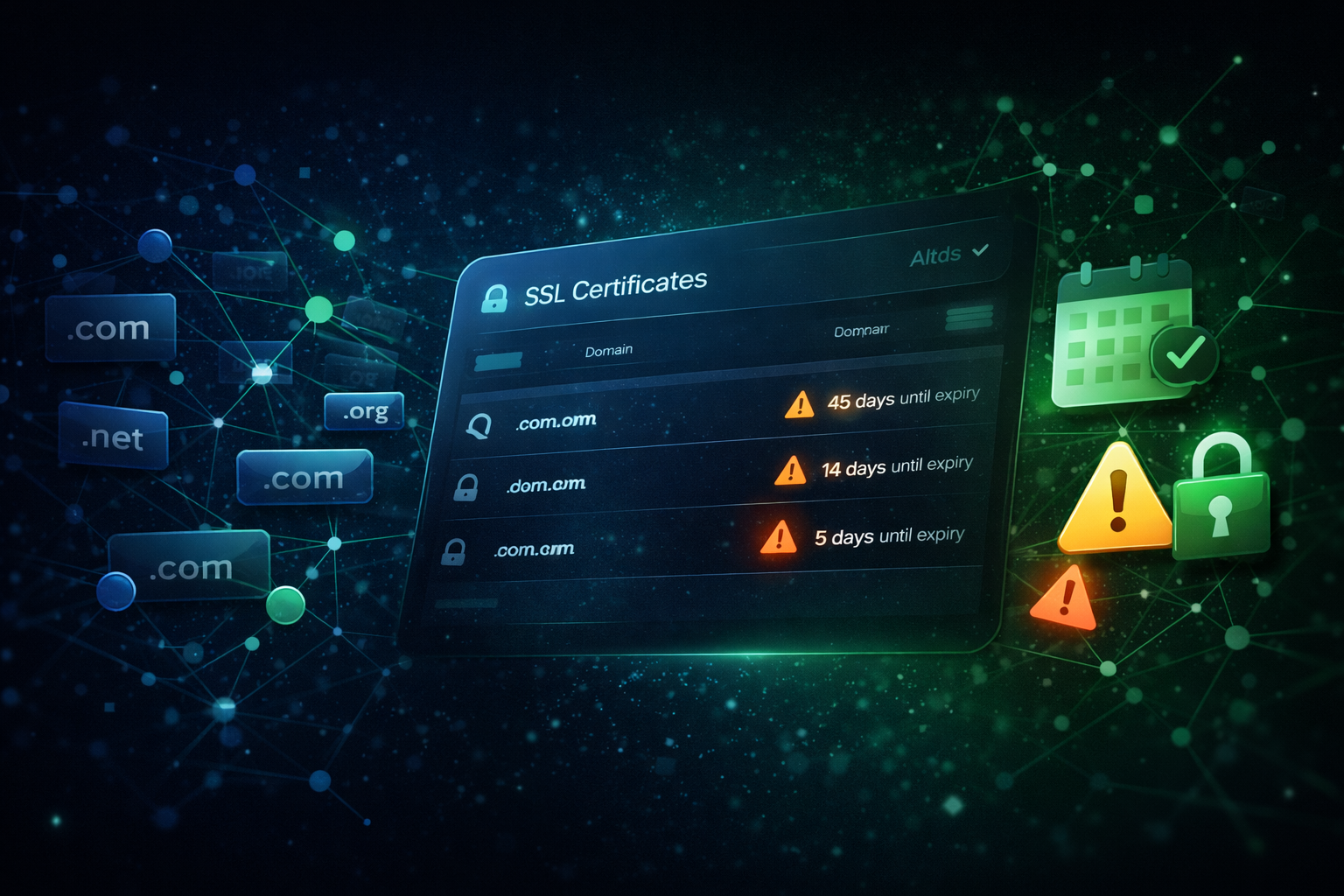
One domain is easy. You set a calendar reminder, renew when it pops up, done.
Ten domains is manageable. Annoying, but manageable.
Fifty domains is a disaster waiting to happen.
At scale, manual SSL certificate management breaks down completely. Renewal dates spread across different registrars, different providers, different team members. Some certificates are auto-renewing - until they're not. Some clients handle their own renewals - until they miss one. And somewhere in that sprawl, a certificate expires quietly on a Friday afternoon, and you find out Monday morning when everything is on fire.
There's a better way.
Why SSL Certificate Monitoring Gets Hard at Scale
A single expired SSL certificate is a simple fix. A browser warning on your domain, a quick renewal, back to normal in an hour. But managing SSL certificates across dozens of domains is a fundamentally different problem. Here's what makes it hard:
Certificates live in different places - Some are issued through your hosting provider, some through Cloudflare, some through Let's Encrypt, some purchased directly from certificate authorities. There's no single place to see them all.
Auto-renewal is not the same as auto-working - Let's Encrypt renews automatically - until the ACME challenge fails because of a DNS change, a server configuration issue, or a firewall rule. The renewal runs, the error is logged somewhere no one checks, and the certificate silently fails to renew.
Wildcard certificates cover multiple subdomains but expire together - When a wildcard cert expires, it doesn't take down one site. It takes down every subdomain it covers. The blast radius is large.
Team and client handoffs create gaps - When a client manages their own DNS or a previous developer set up the certificates, there's often no clear owner. Renewal reminders go to old email addresses or get ignored by people who don't know what they mean.
90-day certificates are becoming the standard - As certificate authorities move toward shorter validity periods, the renewal window gets smaller and the consequences of missing it get closer together.
The Real Cost of an Expired SSL Certificate
An expired SSL certificate doesn't just show a warning - it actively blocks visitors. Modern browsers display a full-page error screen for expired certificates. There's no "click through anyway" for most users. They just leave. This means:
- Zero traffic from users who don't know how to bypass the warning (most of them)
- SEO damage - search engines can deindex pages with certificate errors
- E-commerce revenue loss - no one is entering payment details on a site showing a security warning
- Client relationship damage - if it's their site, it's your fault
For agencies and MSPs, one client site going down due to an expired certificate is a serious credibility hit. Multiple clients? It can define your reputation.
What SSL Certificate Monitoring Actually Does
SSL monitoring checks your certificates continuously and alerts you before expiry - not after. A good monitoring setup tells you:
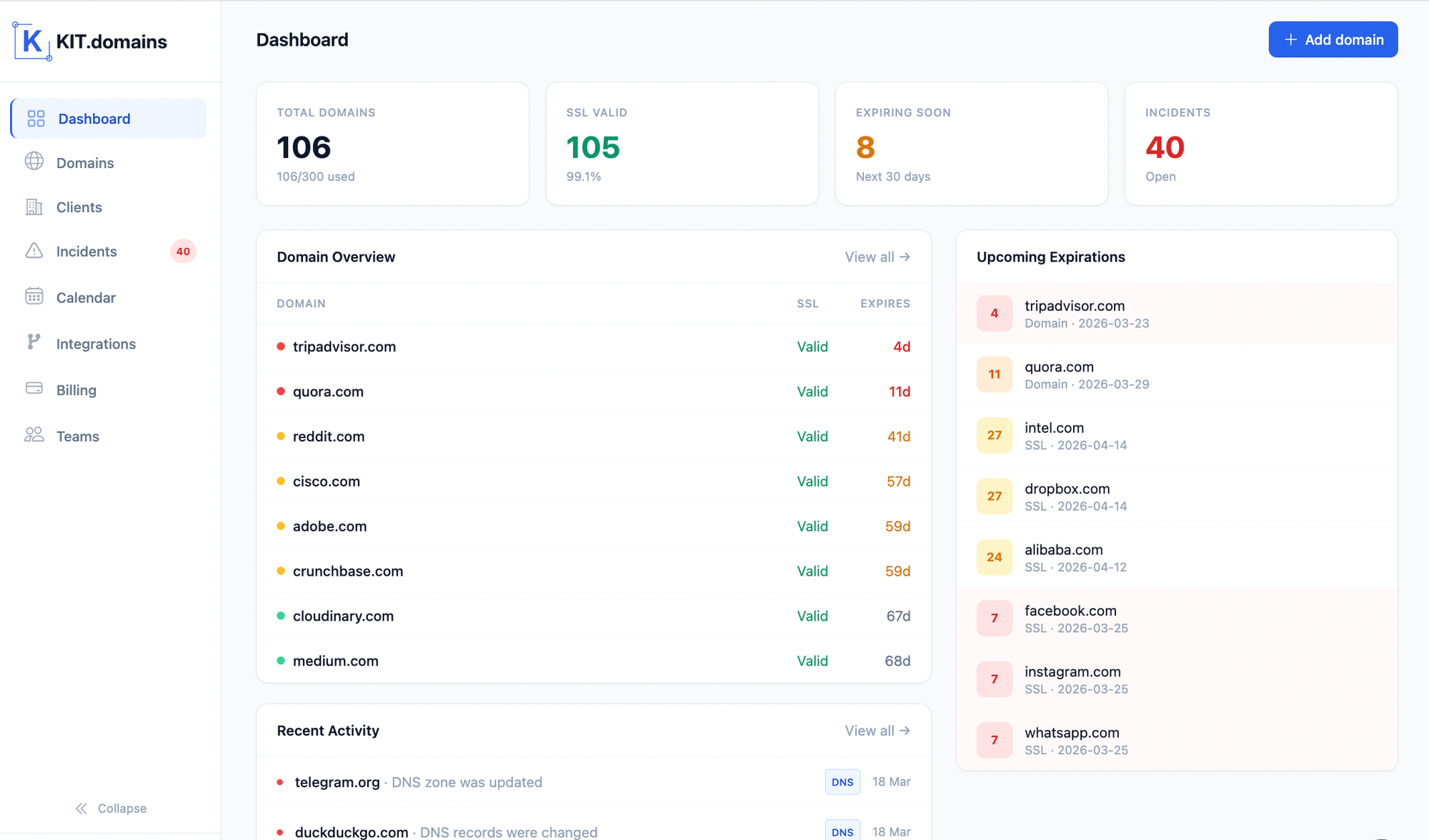
- Days until expiry - with enough lead time to act (30 days, 14 days, 7 days warnings)
- Certificate details - issuer, validity dates, whether it matches the domain
- Chain issues - intermediate certificate problems that cause warnings even when the end-entity cert is valid
- Auto-renewal failures - when a certificate was supposed to renew but didn't.
💡 The goal is simple: you should never be surprised by an expired certificate. Monitoring means you act on a 30-day warning when there's no pressure, not a panicked renewal at midnight when the client is calling.
Managing 50+ Certificates: The Practical Approach
Centralise visibility, not management - You don't need all certificates in one place. You just need to see all their expiry dates in one place. The actual certificates can live anywhere - what matters is having a dashboard that tells you the status of all of them.
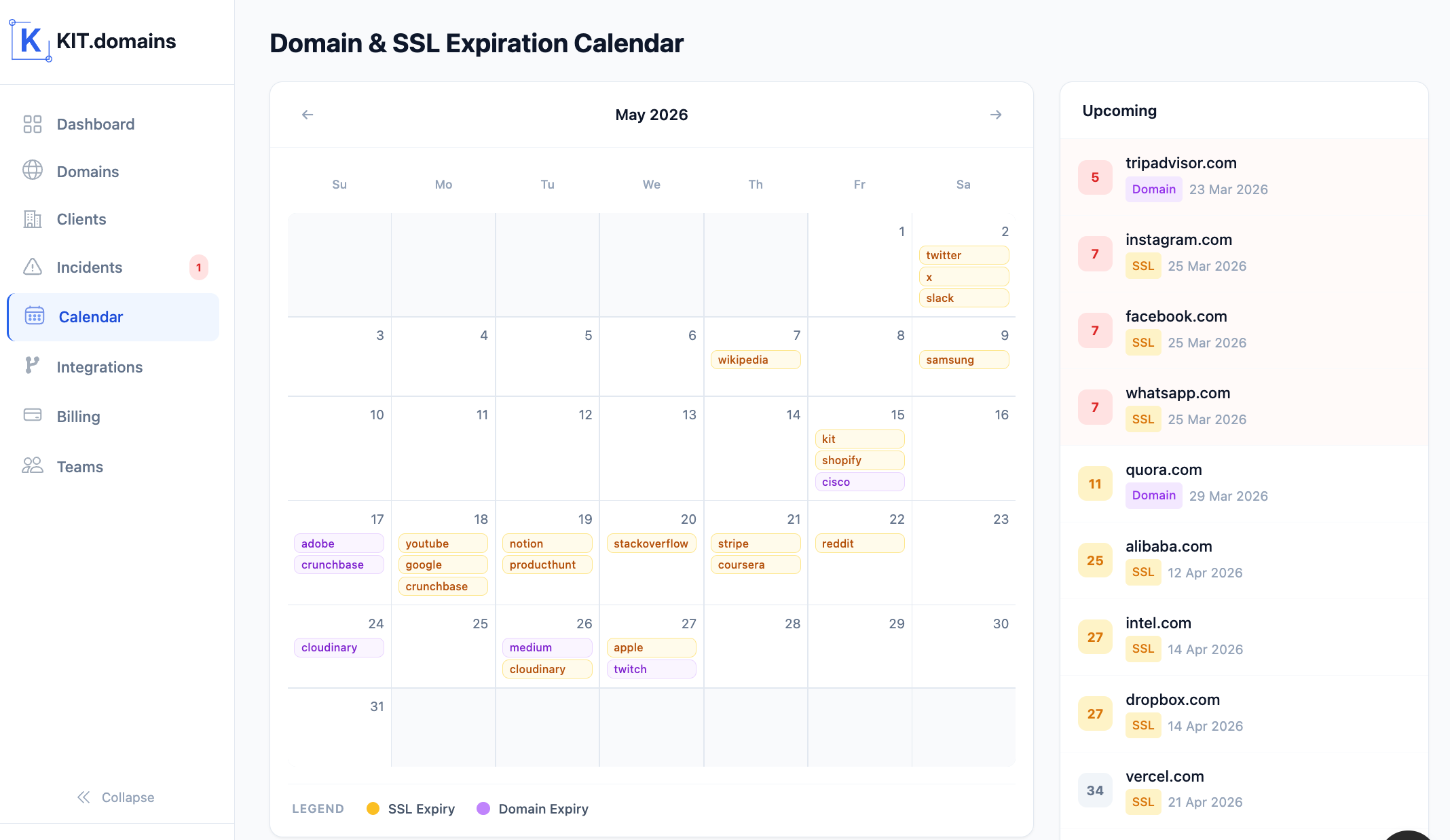
Set tiered alerts - A 30-day warning is calm and informational. A 7-day warning is urgent. A 1-day warning is a fire drill. Configure all three so the right level of urgency reaches the right person at the right time.
Don't rely on a single notification channel - If your only SSL expiry reminder goes to an email inbox that someone checks inconsistently, you'll miss renewals. Use Slack, webhooks, or multiple recipients so important alerts actually get seen.
Track certificates you don't control - Client-managed certificates, third-party service certificates on your subdomains, partner domains. If an expiry affects your service, you need to know about it regardless of who owns the certificate.
Document renewal procedures alongside monitoring - Knowing a certificate expires in 14 days is only half the battle. Whoever gets the alert needs to know how to renew it. Keep renewal procedures documented and linked to the relevant domain.
How KIT.domains Handles SSL Monitoring at Scale
KIT.domains was built for exactly this scenario - multiple domains, multiple teams, multiple clients, one place to see it all.
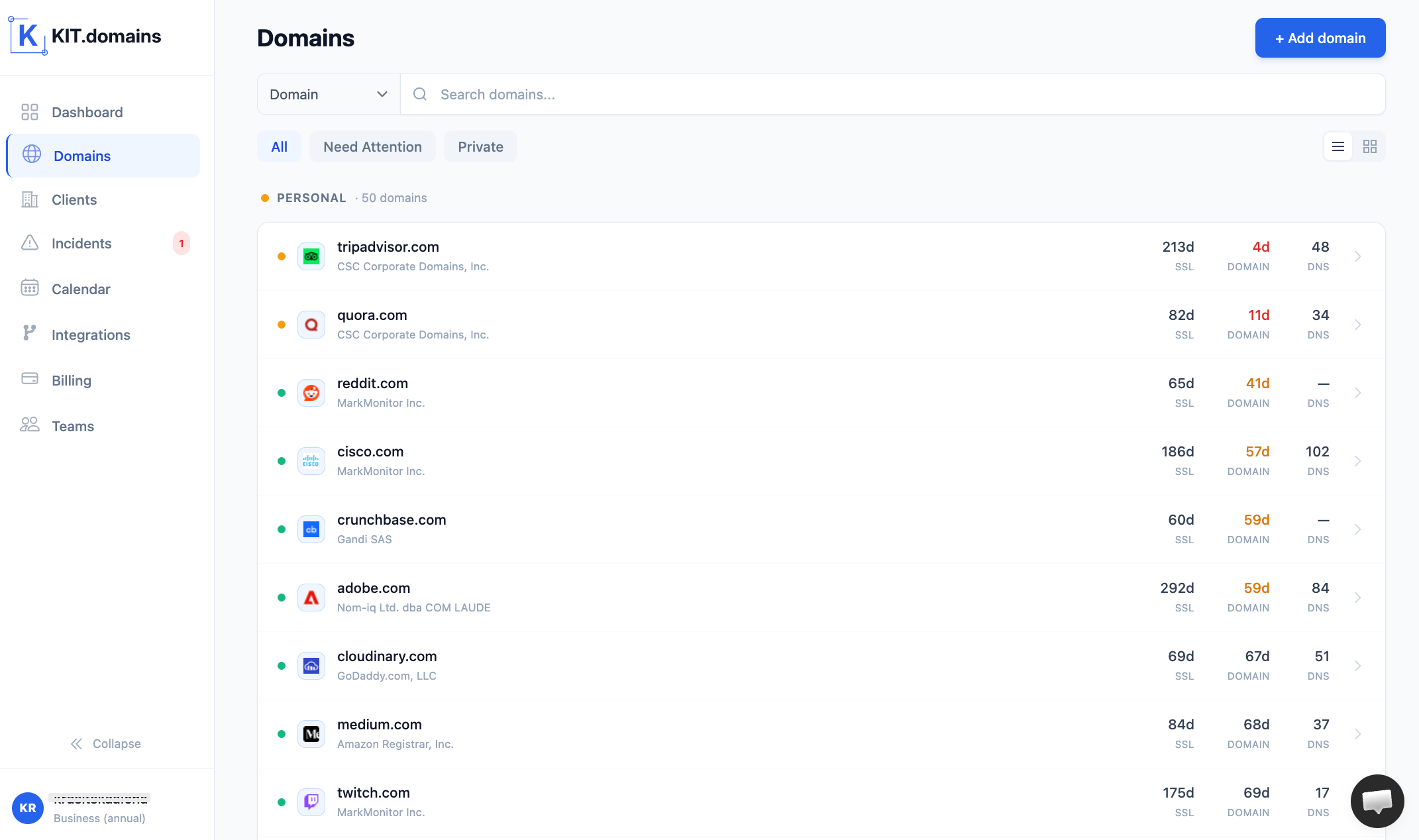
- Centralised dashboard - Every domain you add shows its SSL certificate status, expiry date, and days remaining. Filter, sort, and get the high-risk ones to the top.
- Multi-stage expiry alerts - Configure alerts at the thresholds that matter to you. Get an early warning when you have time, a reminder when it's urgent, and a critical alert when it's almost too late.
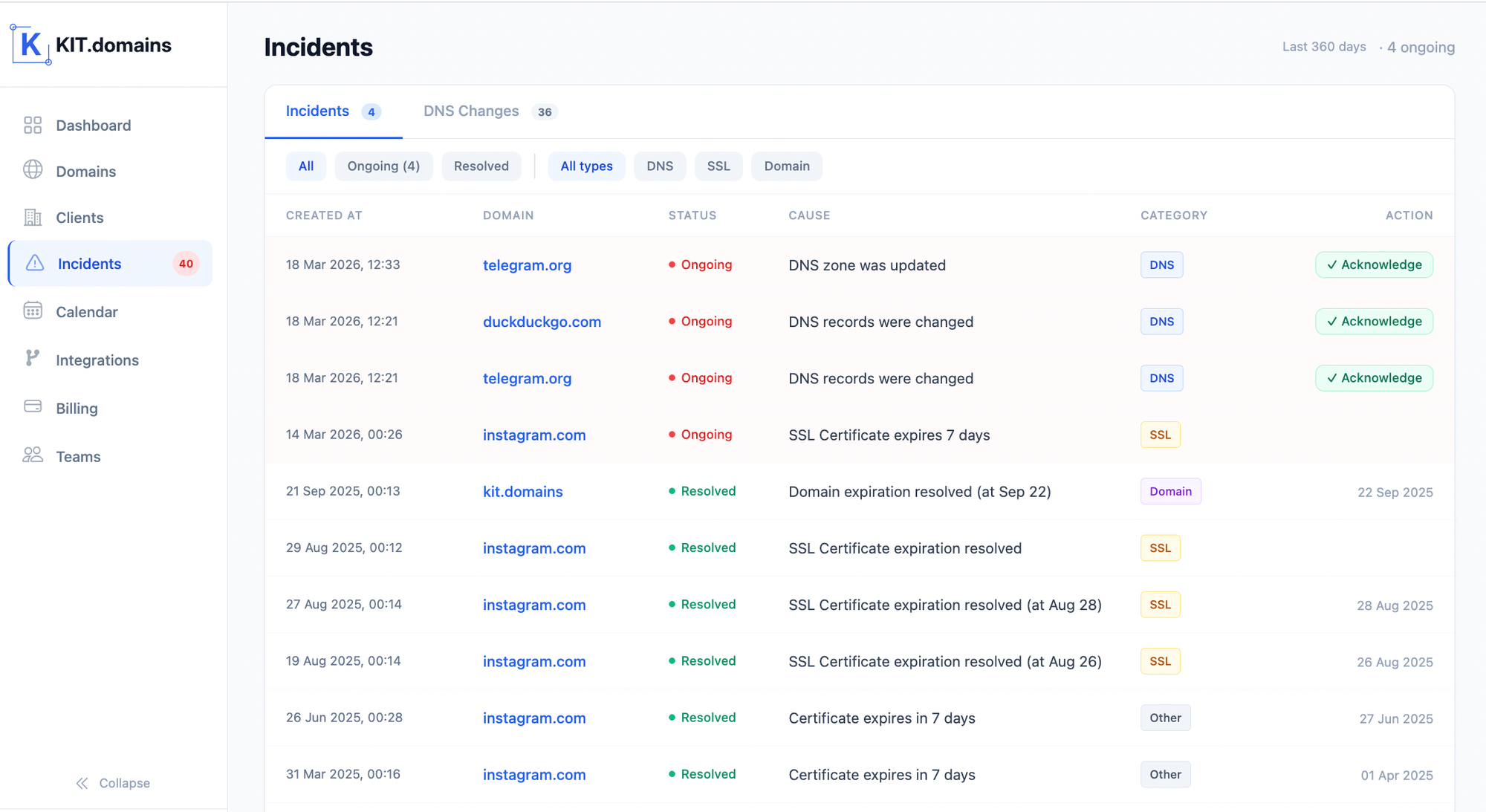
- Catches auto-renewal failures - KIT.domains monitors the actual certificate in use, not whether the renewal process ran. If Let's Encrypt tried to renew but something went wrong, you'll know.
- Notification routing - Send alerts to email, Slack, or any webhook endpoint. Route different domains to different team members or Slack channels based on who's responsible.
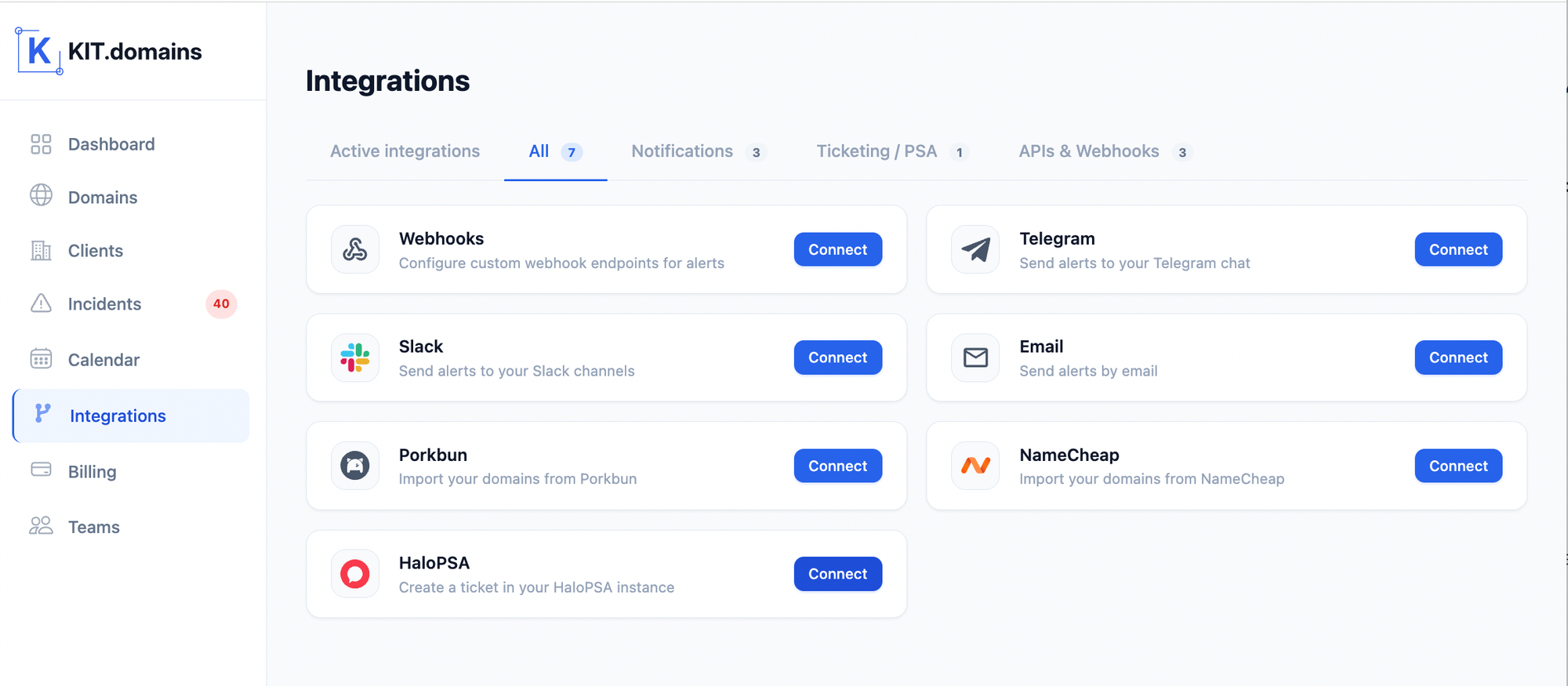
- Combined with DNS and domain expiry monitoring - SSL issues don't happen in isolation. KIT.domains monitors both, so you can trace the root cause instead of just seeing the symptom.
Conclusion
SSL monitoring is only one layer of a domain monitoring platform.
SSL certificate management doesn't scale well manually. What works for one domain becomes a liability at ten, and a crisis at fifty.
Monitoring removes the human memory requirement from the equation. You stop relying on calendar reminders, spreadsheets, or hoping someone else is watching. Instead, you get an alert when action is needed - early enough to act calmly, not in emergency mode.
At scale, that's not just convenience. It's the difference between a professional service and one that lets clients down.
💡 Monitor SSL certificates across all your domains with KIT.domains.