DNS Record Changes: The Silent Killer of Website Traffic (and How to Catch Them Early)
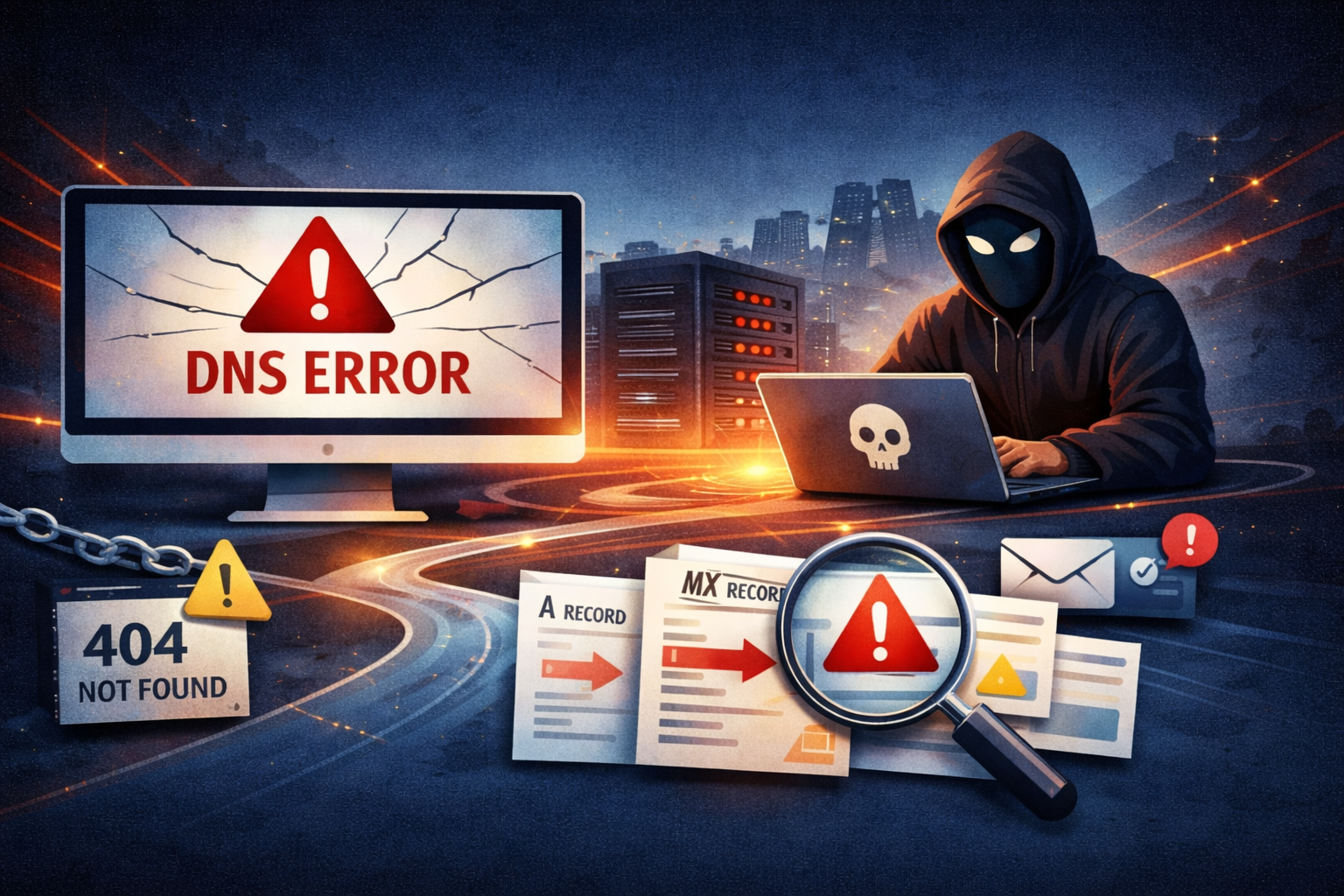
Everything seems fine. Your website is up, emails are going out, clients are happy. Then someone messages you: "Hey, your site isn't loading for me." You check - it's fine on your end. But half your visitors are getting DNS errors, your email is bouncing, and somewhere along the way, a DNS record changed without anyone noticing.
DNS issues are sneaky. Unlike a server crash or an expired SSL certificate, DNS problems don't always show up everywhere at once. They creep in quietly - and by the time you find out, the damage is done.
That's exactly why DNS monitoring exists. And if you're managing multiple domains without it, you're flying blind.
What Is DNS Monitoring - and Why Should You Care?
DNS (Domain Name System) is the phonebook of the internet. When someone types your domain into a browser, DNS tells their computer where to find your website. If that record is wrong, missing, or changed - your visitors go nowhere.
DNS record change detection means getting an alert the moment any of your DNS records are modified. Not an hour later. Not when a client calls. Immediately.
Changes can happen for many reasons:
- A team member updates a record by mistake
- A domain registrar glitches during a transfer
- A third-party service like an email provider or CDN makes automatic changes
- A malicious actor modifies your DNS (yes, it happens)
Without monitoring, you find out the worst way possible - from a frustrated user or a missed deadline.
The DNS Records You Should Be Watching
Not all DNS records are equal. Some changes are harmless, others are catastrophic. Here's what matters most:
A / AAAA records - These point your domain to an IP address. If these change unexpectedly, your website goes down or redirects to the wrong server. This is the most critical record to monitor.
MX records - These control where your emails go. An unexpected MX change means incoming emails disappear into the void - and you might not notice for days.
CNAME records - Often used for subdomains and third-party integrations (analytics, support tools, landing pages). A changed CNAME can silently break a part of your service your clients rely on.
NS records - Nameserver records define who controls your DNS. If these change, everything else can change too. This is often the first sign of a domain hijacking attempt.
TXT records - Used for domain verification, SPF/DKIM email authentication, and more. A broken SPF record means your emails land in spam instead of inboxes.
Real Scenarios Where DNS Monitoring Saves the Day
The accidental overwrite
A developer on your team updates a CNAME for a new staging environment. They accidentally overwrite the production A record instead. The site goes down. Without monitoring, you find out 45 minutes later when sales starts asking why the demo link isn't working.
💡 With DNS change detection: alert fires within minutes. Rollback. Crisis averted.
The domain transfer gone wrong
You move a domain between registrars. During the transfer, nameservers don't propagate correctly. Half your visitors see a DNS error, the other half are fine. It looks like a mysterious intermittent bug - until you check DNS.
💡 With monitoring: you see the NS change immediately and know exactly where to look.
The quiet email hijack
Someone gains access to your domain registrar and changes MX records to intercept your emails before routing them forward. You see nothing unusual - emails still arrive. But so does someone else.
💡 With monitoring: the MX record change triggers an instant alert. You catch it before anything sensitive is compromised.
How to Monitor DNS Records Without Setting Up Infrastructure
You could write a cron job. Pull DNS records every hour, compare against a baseline, send an email if something changes. It works - until it doesn't. The script breaks, the server reboots, you forget to check if the alerts are still firing.
Or you could use a dedicated monitoring tool that handles this for you.
KIT.domains monitors your DNS records continuously and alerts you the moment something changes - no scripts, no infrastructure, no maintenance.
Here's what you get:
- Instant DNS change alerts - As soon as a record changes, you get notified. Email, Slack, Webhook - wherever your team lives.
- Full DNS record history - See exactly what changed, when it changed, and what the old value was. Perfect for audits and incident post-mortems.
- Multi-domain monitoring from one dashboard - Managing 10 domains across different registrars? All DNS records in one place, changes flagged automatically.
- SSL + domain expiry in the same tool - Because DNS problems rarely travel alone. KIT.domains monitors SSL certificates and domain expiration dates alongside DNS, so you have complete visibility without juggling multiple tools.
💡 Why it matters: When something breaks, you want one place to check — not three different tabs across three different services.
Who Needs DNS Monitoring?
If you manage more than two or three domains, DNS monitoring isn't optional - it's basic hygiene.
- Freelancers and developers managing client sites: One DNS misconfiguration on a client's domain at 2am can cost you the relationship. Monitoring means you find out before they do.
- Marketing agencies running multiple client campaigns: Landing pages, tracking subdomains, email tools - all depend on DNS. A changed CNAME can kill a campaign you spent weeks building.
- MSPs and IT service providers handling client infrastructure: You're responsible for uptime. DNS changes are part of that. Manual checks don't scale past a handful of domains.
- Startups and SaaS teams with multiple environments: Staging, production, custom domains for customers - DNS changes happen constantly. You need to know which ones were intentional.
Getting Started with DNS Monitoring
Setting up DNS monitoring with KIT.domains takes a few minutes:
- Add your domains to the dashboard
- KIT.domains captures your current DNS records as a baseline
- Any change from that baseline triggers an instant alert
- You review, confirm if intentional, or roll back if not
No agents to install. No infrastructure to maintain. Just alerts when something actually changes.
The Bottom Line
DNS issues are silent and fast-moving. By the time a human notices something is wrong, the damage - lost traffic, missed emails, broken integrations - is already done.
DNS record change detection turns a reactive problem into a proactive one. You stop finding out from clients and start finding out from your monitoring tool - before anyone else notices.
If you're managing domains professionally, that's not a nice-to-have. That's the baseline.
Start monitoring your DNS records with KIT.domains